
ワークスペースとマインドセットをシンプルに
むきやジャーナル
私たちは、気を散らすものを取り除き、生産性を高めるシステムを構築するという、ただ一つの目標を念頭に置いて製品を設計しています。私たちの使命はシンプルです。散らかりを少なくし、集中力を高める製品を作ることです。
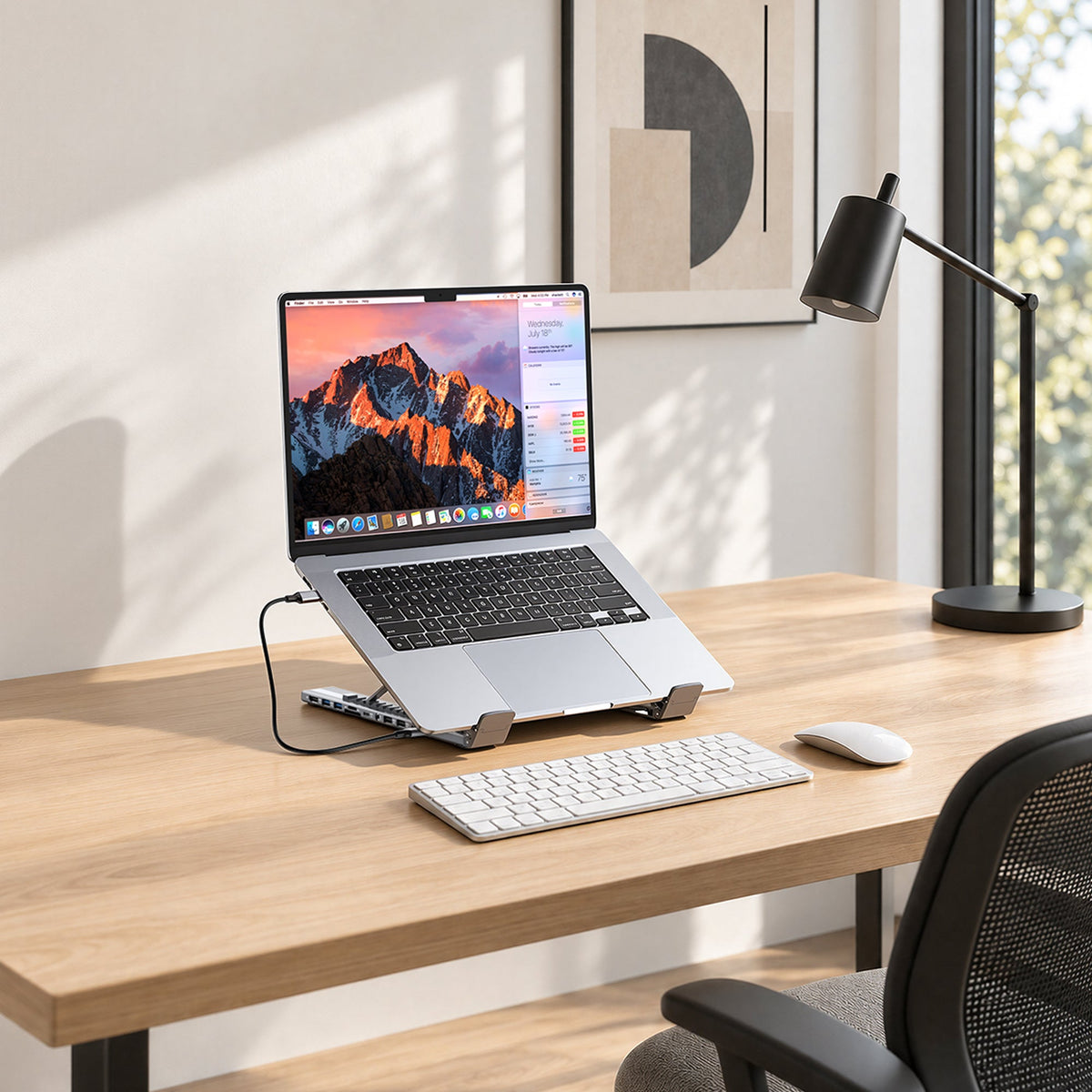
Minimal Desk Setup: What You Actually Need
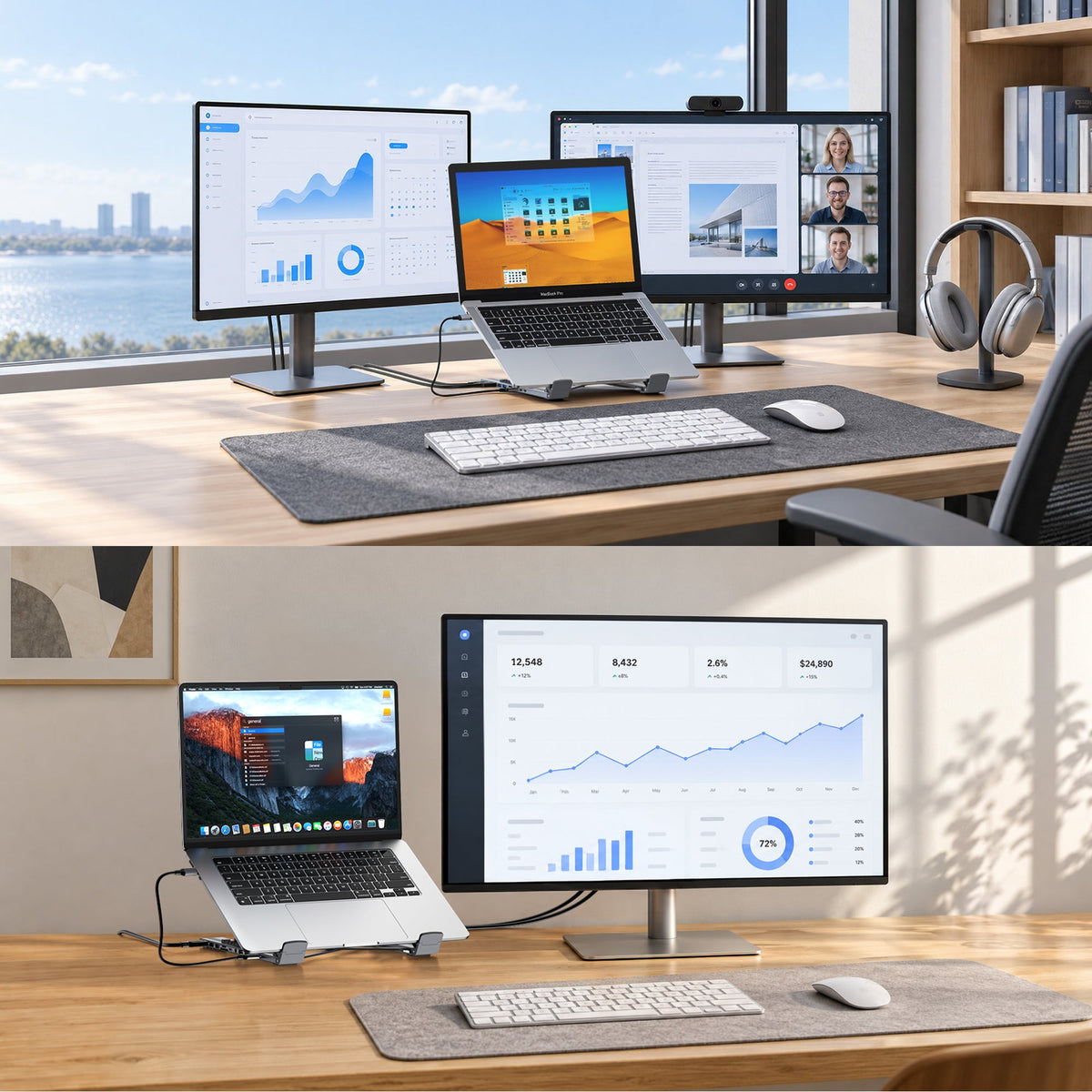
Ergonomic Desk Setup for Hybrid Work
Build an ergonomic hybrid-work desk around better laptop height, screen placement, keyboard position, and one-cable connectivity. This practical guide helps you create a comfortable, repeatable workspace with less clutter and more room for what matters.
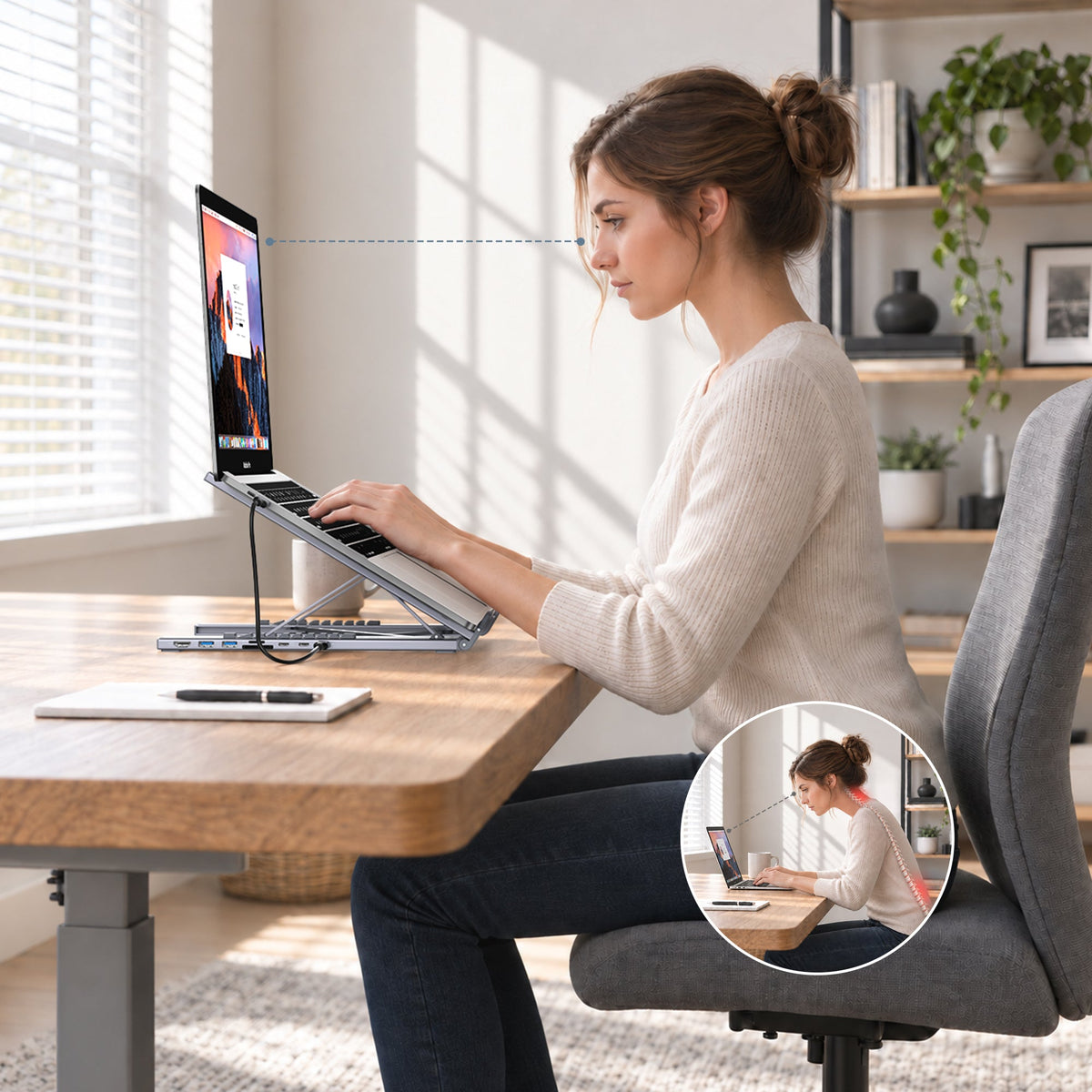
How to Reduce Neck Strain When Working from a Laptop
Learn how screen height, viewing distance, an external keyboard and mouse, chair support, and regular movement can help reduce neck strain during laptop work. Build a cleaner, repeatable setup that supports your body and attention.
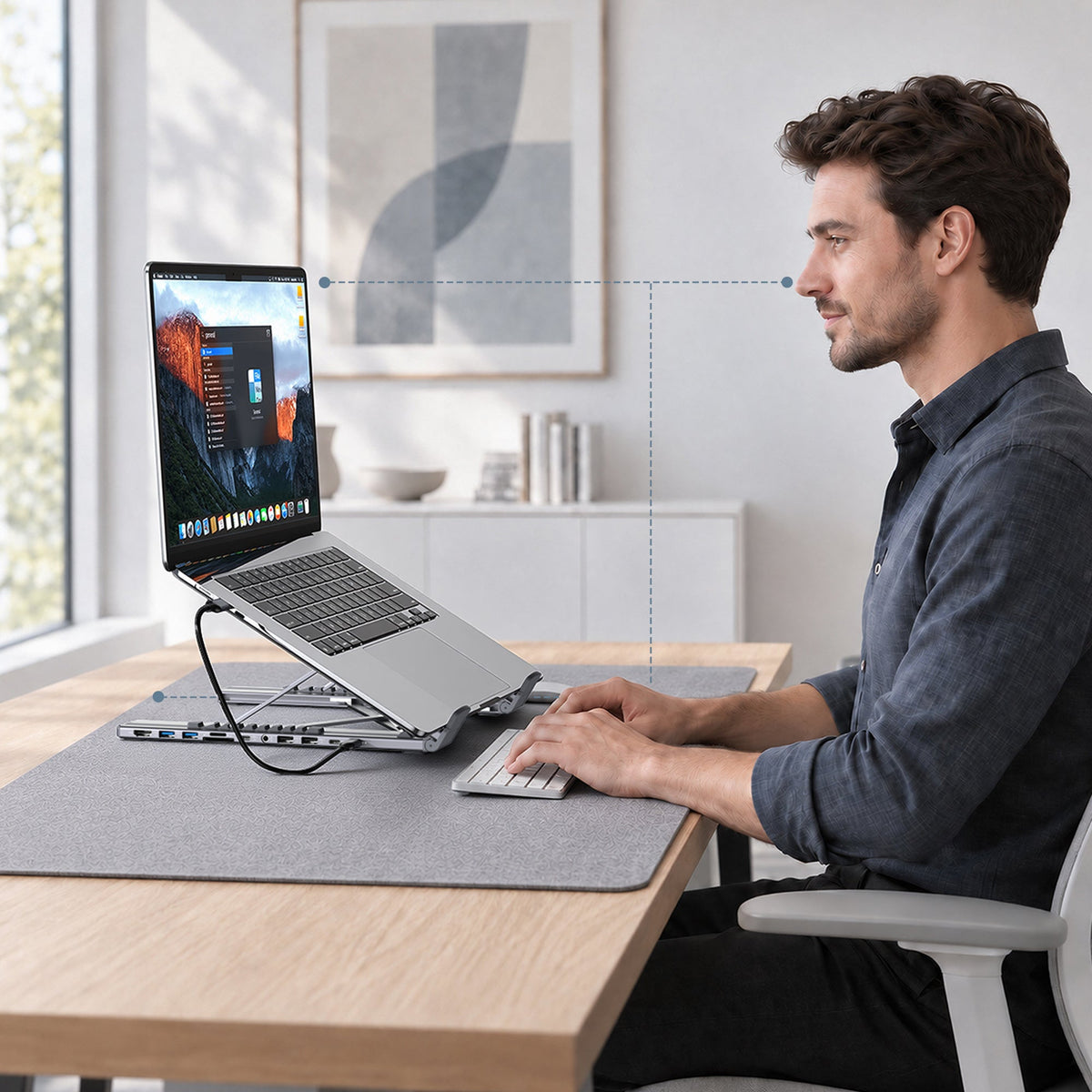
Laptop Stand Height Guide: How High Should Your Screen Be?
How high should a laptop stand be? Learn how to position the top of your screen, set a comfortable viewing distance, and pair a raised laptop with an external keyboard and mouse for a cleaner daily setup.
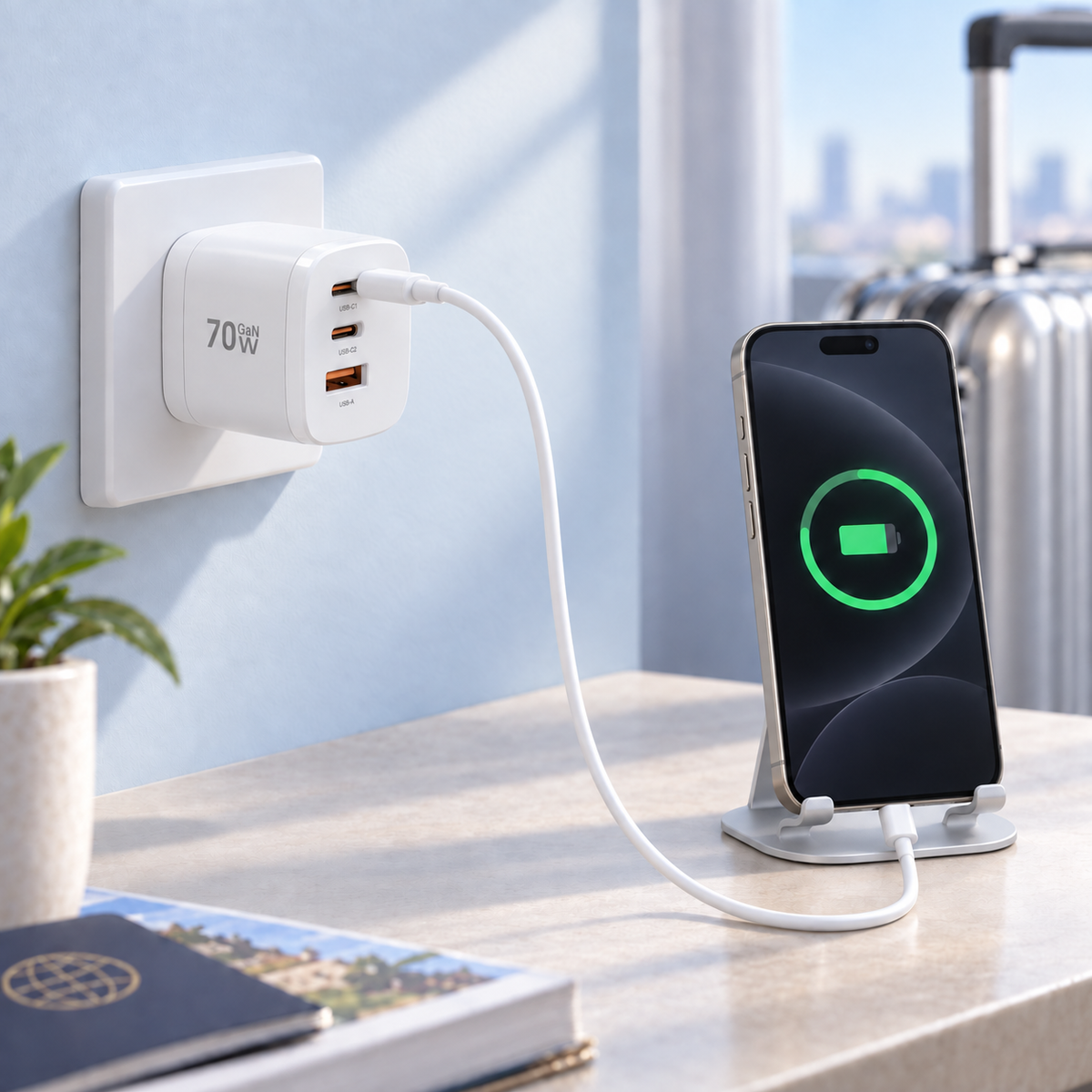
iPhone 18 Pro AVS Charging: Meet the MUKIYA 70W GaN 360° Rotating 4-in-1 Charger
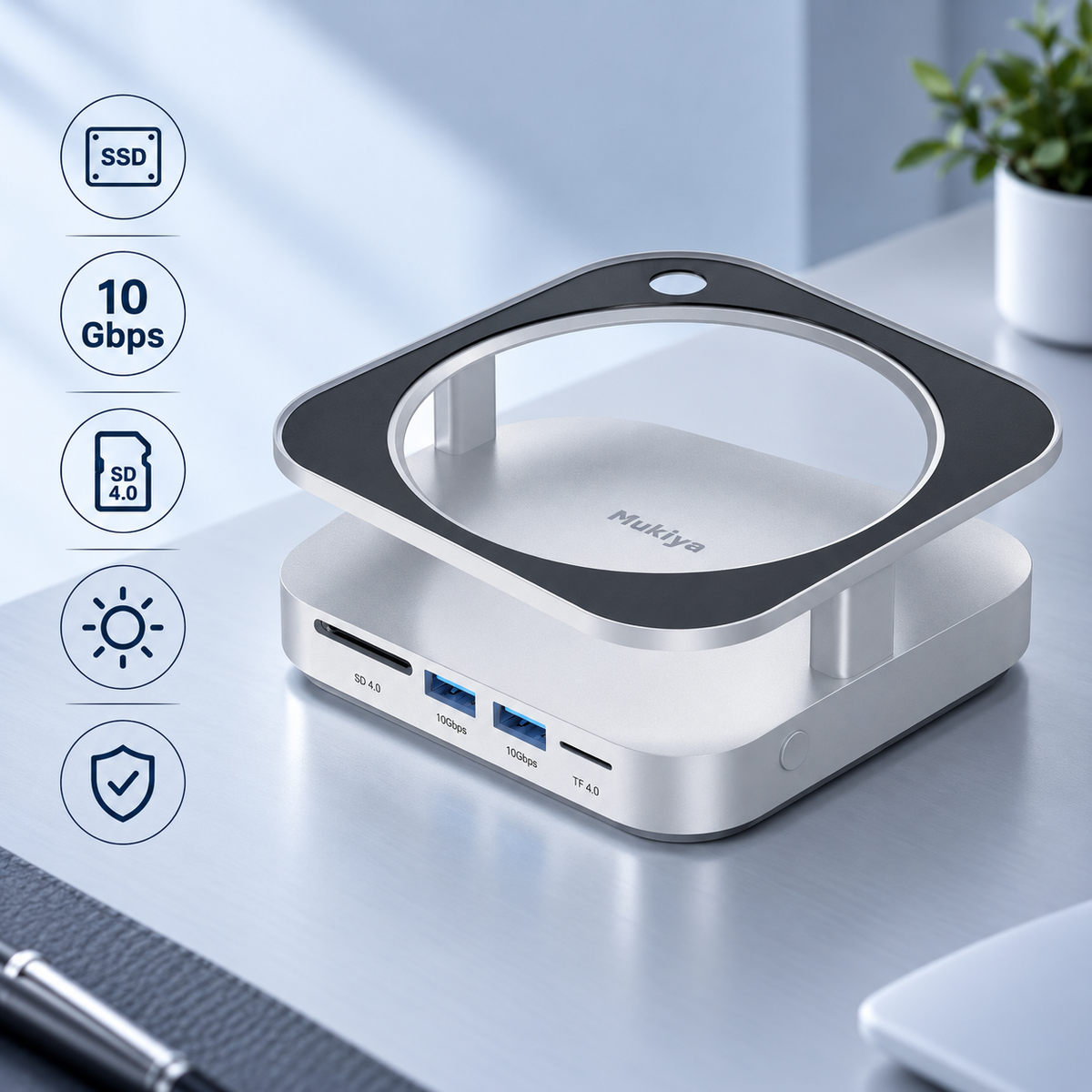
Meet the Mukiya Mac mini M4 Hub Stand: Storage, Ports, and Light in One Base
Meet the Mukiya Mac mini M4 Hub Stand: an aluminum desktop base with up to 8TB of NVMe storage, two front 10Gbps USB-A ports, dual UHS-II card readers, rear peripheral connections, and optional four-color ambient lighting.
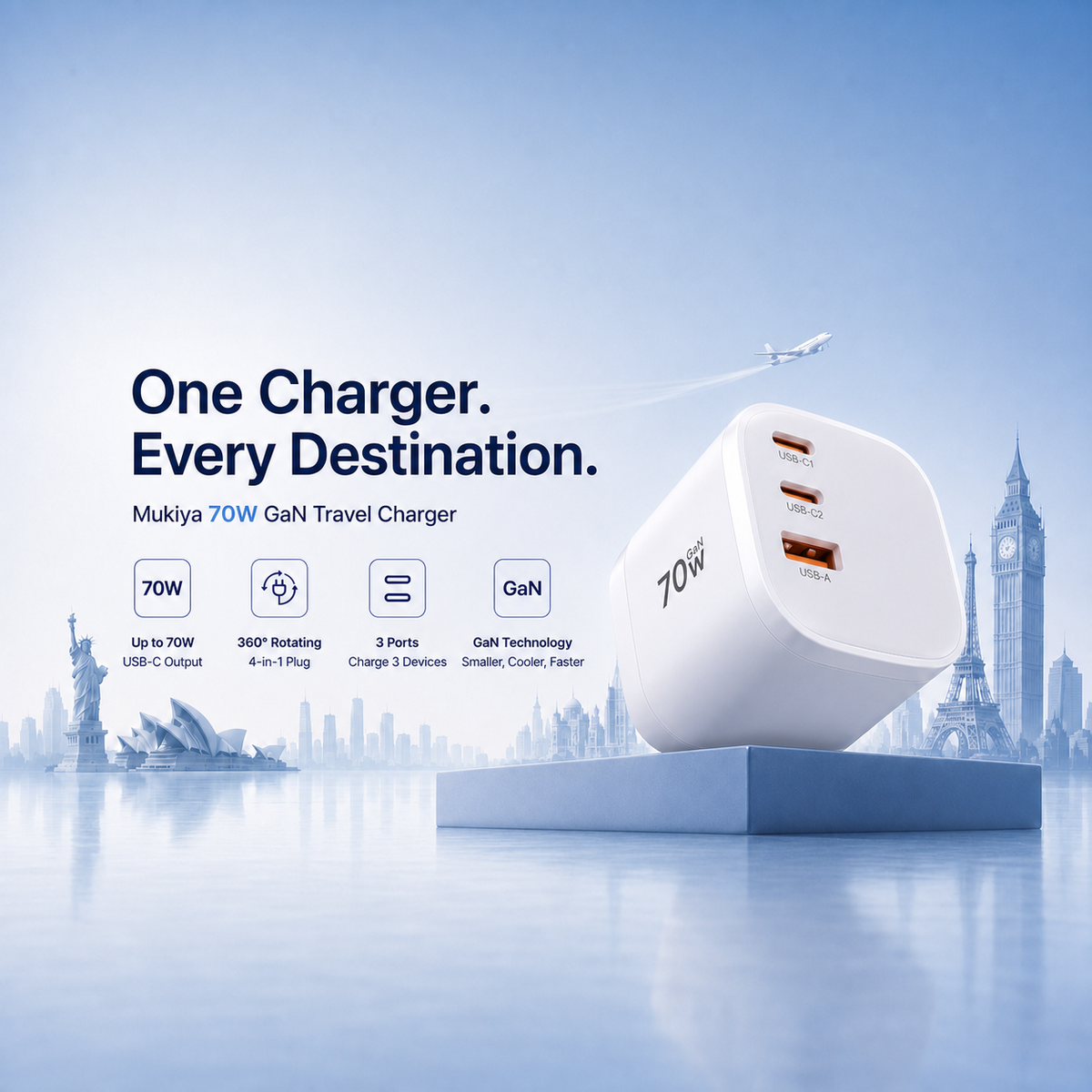
Meet the Mukiya 70W GaN Travel Charger: One Turn, Power Anywhere
Meet the Mukiya 70W GaN Travel Charger: a compact international charging system with a 360° rotating 4-in-1 plug, up to 70W USB-C output, and three ports for your laptop, phone, tablet, and everyday travel devices.
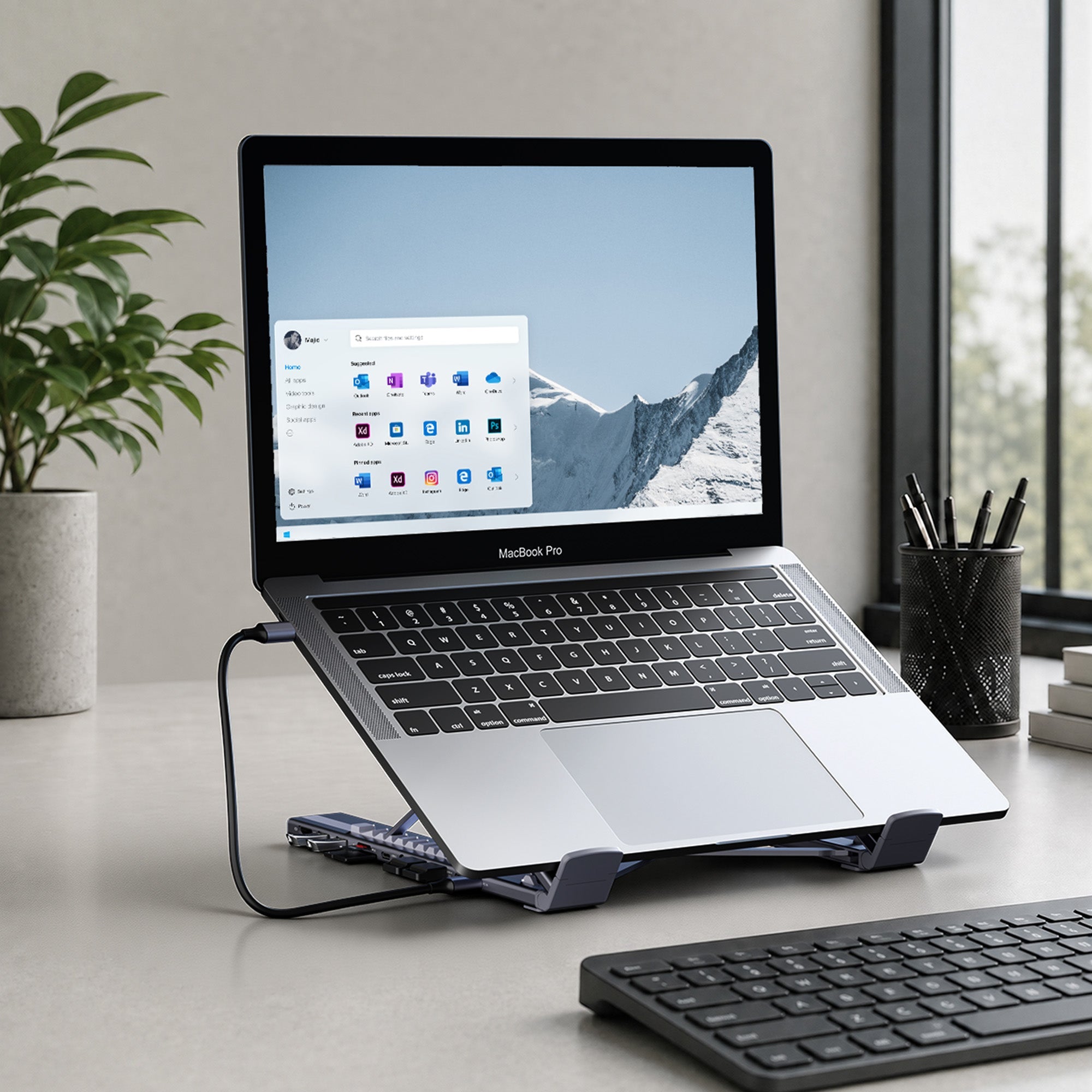
Common USB-C Docking Station Mistakes to Avoid
A USB-C docking station should simplify your laptop setup, not create more friction. This guide covers common dock mistakes around monitor support, charging wattage, cable choice, port selection, and workspace planning.
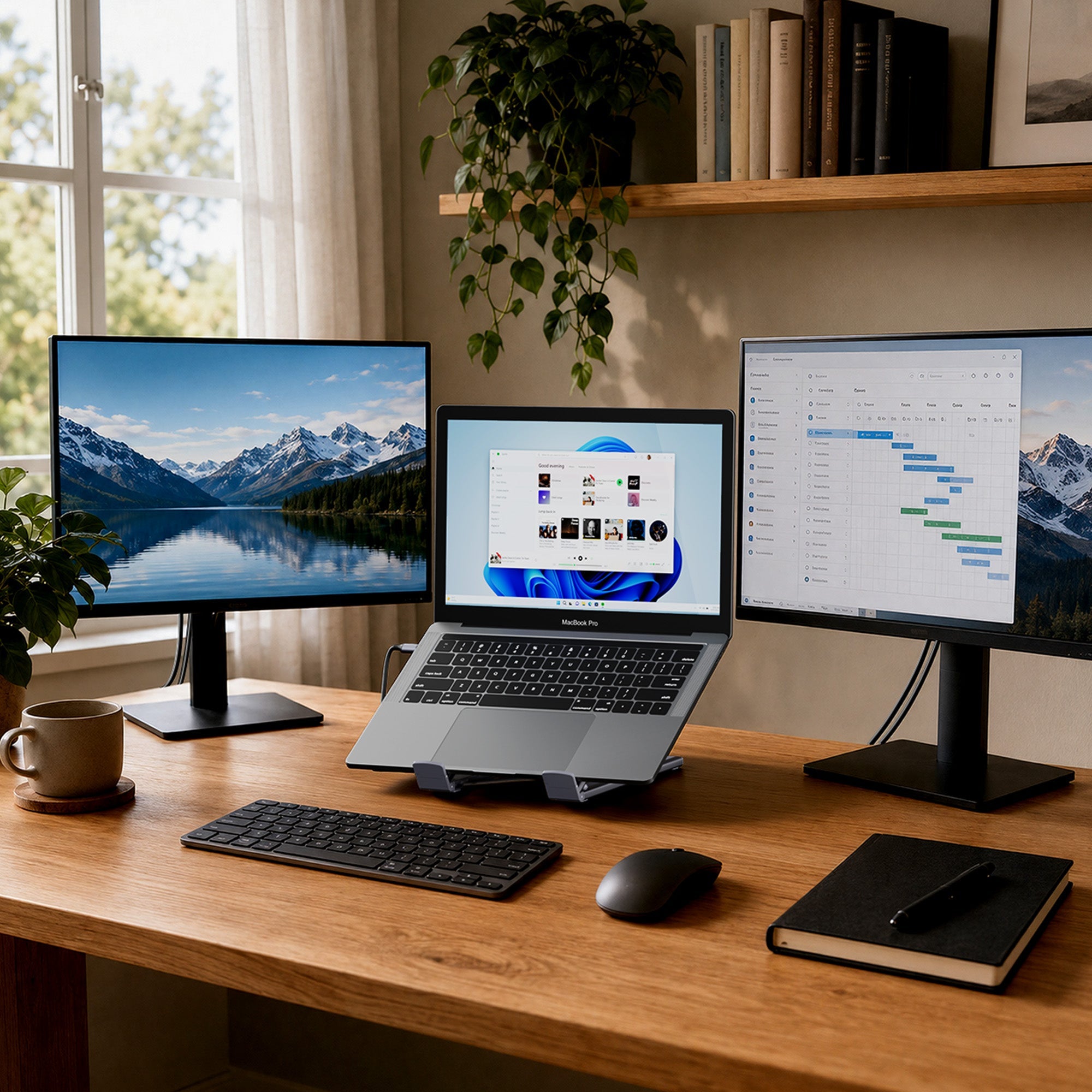
How to Set Up Dual Monitors with a USB-C Dock
Setting up dual monitors with a USB-C dock starts with laptop compatibility, display support, power delivery, and clean cable routing. This guide shows how to build a two-screen laptop workstation that creates more space without adding desk clutter.